The best PC requirement to play Alan Wake 2 MEG Trident X2 14th and MEG 342C QD-OLED
Desktops

The darkest horror game, Alan Wake 2 finally released this October. After the release of Quantum Break and Control, Remedy Entertainment continued the Alan Wake series and announced the publication of a new game Alan Wake 2. Because the Remedy Connected Universe. It cleverly unites those individual games into a larger fictional universe and shares the characters and story. To make players feel more immersive story content and explore related games. Alan Wake has been a huge success. So this time let’s follow Alan and Saga back to Bright Falls to investigate the supernatural case to stop devil invades.
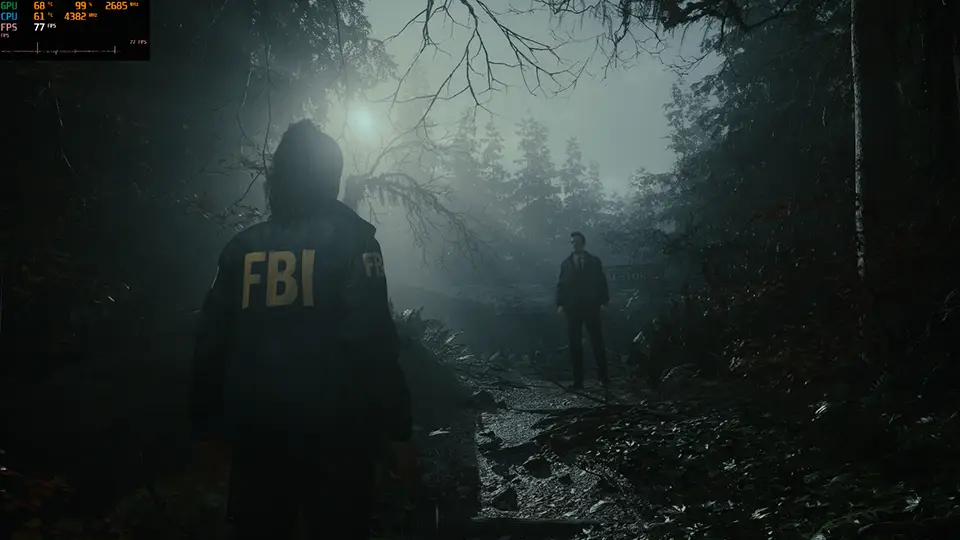
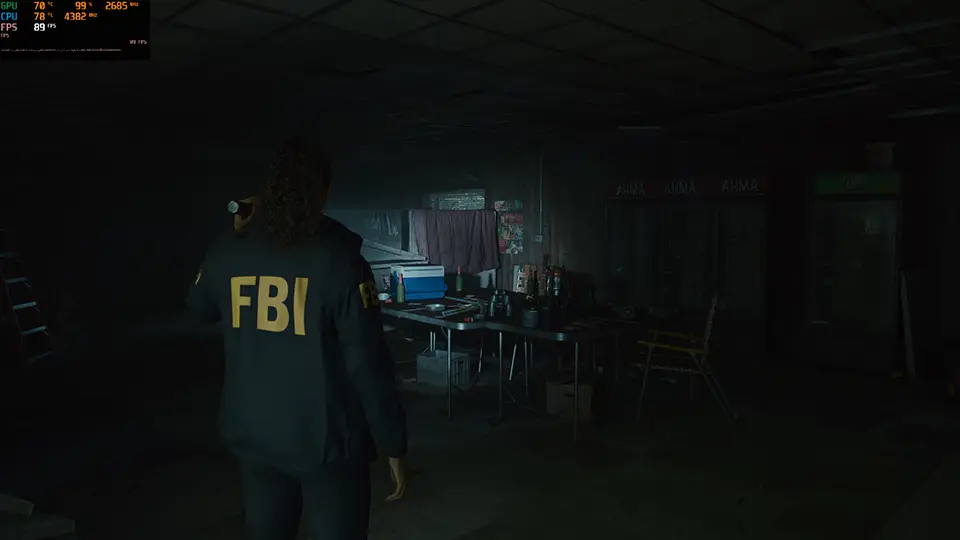
It is almost a decade since Alan Wake was released. Nowadays, Alan Wake 2 has huge progress in in-game display and image quality. The game fully supports NVIDIA's latest AI technology, DLSS (Deep Learning Super Sampling), and Ray Tracing. Alan Wake 2 Most of the scene is dark, we have to use the light of a flashlight to defeat the devil. With Ray Tracing and DLSS support, we can get a nearly real experience in the game. Here is the best PC requirement for your recommendation to play Alan Wake 2. MEG Trident X2 gaming desktop uses Intel 14th Processor and NVIDIA RTX 4090 graphic card offering players a smooth experience, and the curved gaming monitor MEG 342C QD-OLED uses QD-OLED panel technology and can totally display true black in an HDR game display. We can totally enjoy the best entertainment experience when we play games.

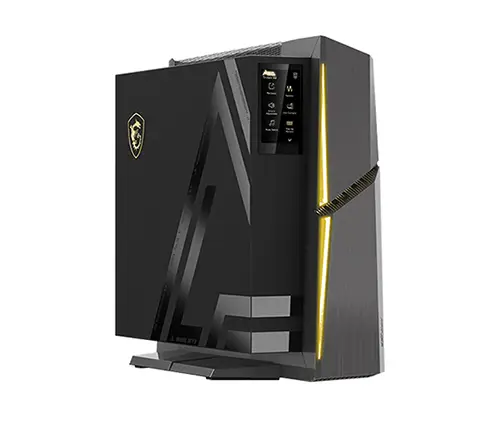
The MEG Trident X2 boasts the latest Intel 14th Gen processor and an RTX 4090 graphics card, ensuring top-notch performance.
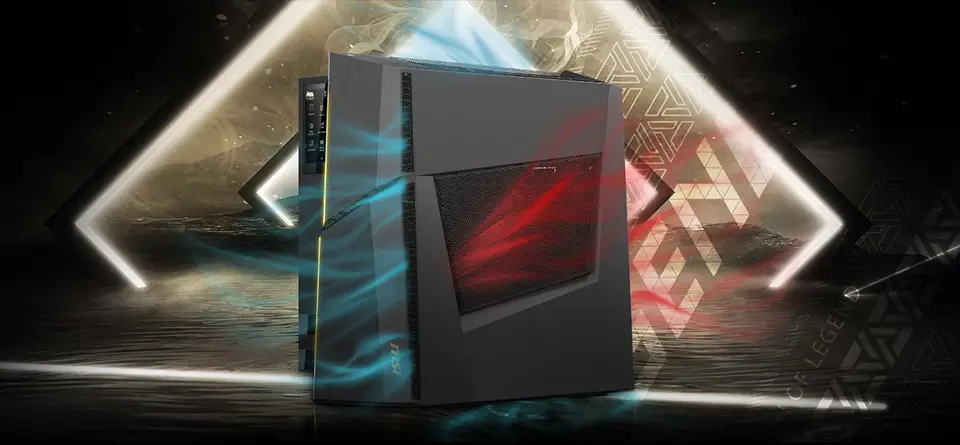
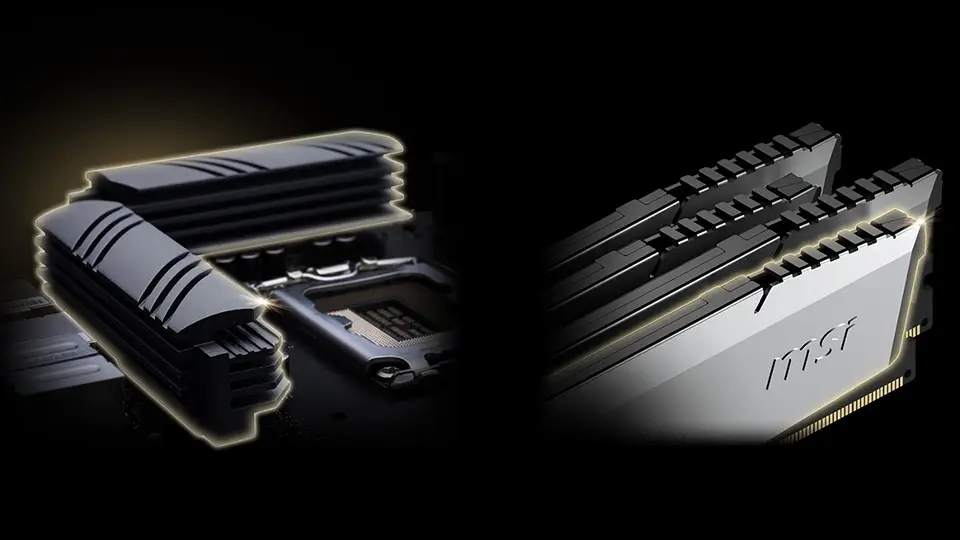
What's more, it incorporates Silent Storm Cooling 3 to keep it cool and quiet. Not only does Silent Storm Cooling 3 enhance cooling efficiency, but the Glacier Armor heatsinks for the memory and VRM also contribute to the same goal. These heatsinks play a crucial role in maintaining low temperatures, ultimately enhancing overall stability.
For users to be more convenient, MSI Center set up several performance profiles for users to fulfill various scenarios. No matter entertainment usage, or light office working, users can easily switch to each other. One of the modes is extreme mode can boost up to 21% CPU performance. It is very suited to AI computing or heavy loading of the games.

Extreme performance mode can easily handle heavy-loading applications or software computing even gaming.
You may think, a gaming desktop uses a powerful CPU and GPU. The system performance is maximum. How about the thermal performance? Is the gaming desktop temperature hot? By Frozr AI Cooling design, MEG Trident X2 uses the algorithms to improve system performance up also keep system temperature cool. Also, we make acoustic better, not noisy.

Frozr AI Cooling can detect individual components' temperatures and then adjust a proper setting to ensure thermal and acoustic balance.
MEG Trident X2 has a unique feature which is HMI design. It allows users to control the gaming desktop conveniently by a simple action. We designed it in a touch panel on the gaming desktop. To provide a direct way to interact with the gaming desktop. No matter the system performance profile switch, application quick launch, system monitoring, display monitor setting adjustment, or RGB selection. A single touch can finish a lot of tasks. HMI also supports many functions, please visit the blog for more detailed information.
What is HMI doing on MSI Trident X2: Link
What is HMI doing on MSI Trident X2: Link

MSI HMI features can easily adjust the gaming desktop setting or configuration for the user.
As the gaming desktop can provide a smooth experience of play, we need a perfect gaming monitor to display a gorgeous image. MEG 342C QD-OLED is your best entertainment monitor. This is MSI's first curve gaming monitor within QD-OLED panel technology which provides better color coverage and vivid, colorful image. Because the OLED panel self-emitting character, this monitor doesn’t include a backlight module. Then it can display a true black screen without any glow symptoms.

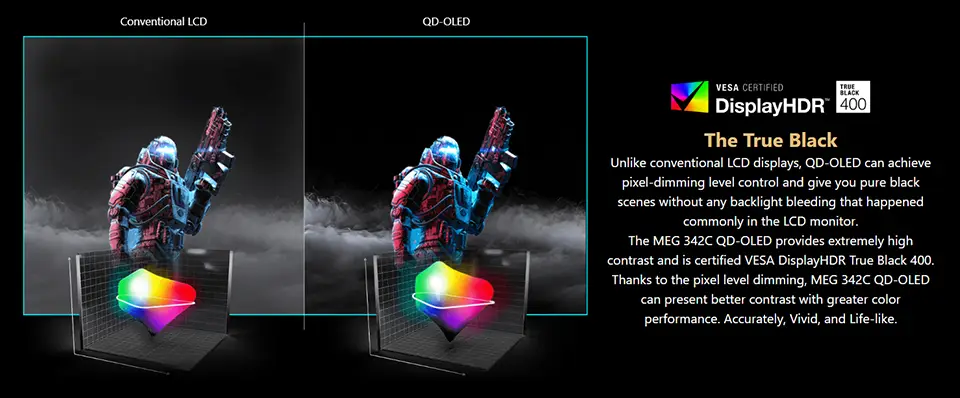
QD-OLED, is OLED panel technology plus Quantum Dot layer to combine 2 advantages to make the monitor display colorful and then display great quality in HDR content.
QD-OLED offers the display perfect image quality however there are some people still concerned about the OLED panel burn-in issue when using the monitor for a long time. Therefore, MEG342C QD-OLED built-in the MSI OLED Care function to avoid the monitor happen the burn-in issue when you use the monitor in a long term usage. Pixel shift, Pixel Refresh, and Static Screen Detection those settings can help to avoid burn-in symptoms on the OLED panel. Also protects your eye's health when you use a monitor for a long time. For more about MSI OLED Care information, please visit the link below.
How MSI OLED Care prevents OLED from burn-in: Link
How MSI OLED Care prevents OLED from burn-in: Link

MSI exclusive Gaming Intelligence App built-in OLED Care function to avoid panel burn-in issues.
Let’s check the Alan Wake 2 run on Trident X2 and MEG342C QD-OLED performance.
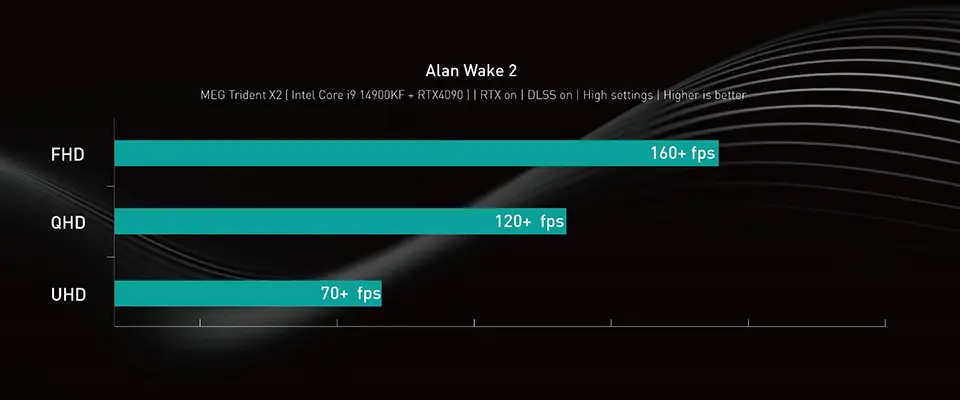
Game test by RTX 4090 and enable Ray Tracing, Ray Reconstruction and DLSS frame generation.
Finally, if you are interested in playing different games on MSI gaming desktops or monitors, you can visit our website to find a suitable setup. Select the game you want to play, and your preferred monitor size and resolution, and the system will show you how the game performs.
Find My Favor: https://uk.msi.com/Landing/find_my_favor
Find My Favor: https://uk.msi.com/Landing/find_my_favor
14th Gen Intel® Core™ Processors and RTX 4090 Support list